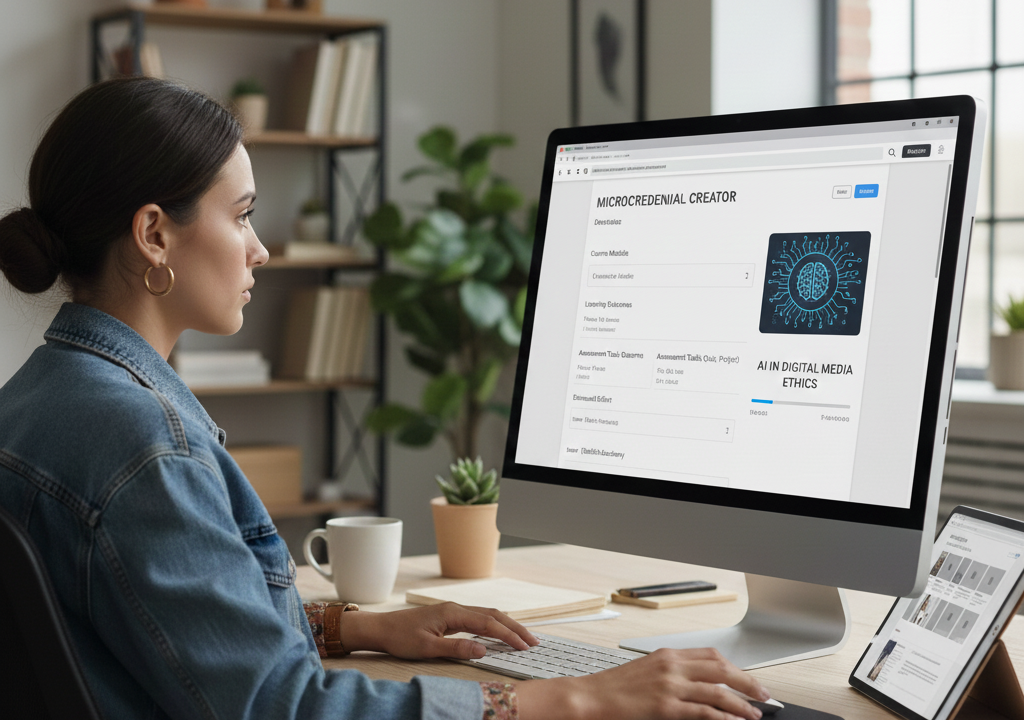
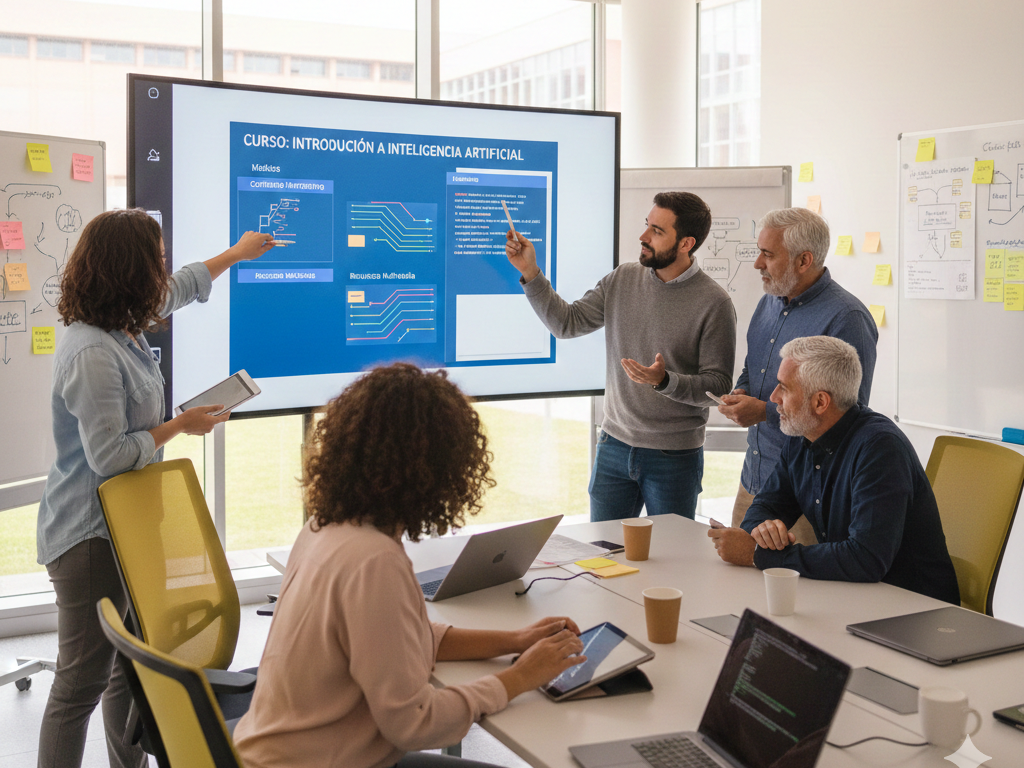
Creating a microcredential in SmartSim is simple and flexible. First, define the topic, modules, and activities; then transform the objectives into practical and interactive exercises and select the simulators that will enrich the experience. Next, design assessments and rubrics, including an initial questionnaire that adapts the course to each student’s performance. Finally, customize the content and review the narrative, visuals, and technical functionality to ensure a practical, measurable, and ready-to-use course.
1. Creation of modules and activities
The pedagogical structure of the course is defined, organizing the content, the learning sequence, and the practical activities that will guide the student throughout the training experience.
2. Simulator Selection and Integration
The most suitable simulator is selected and integrated into the course in a coherent manner, ensuring its alignment with the learning objectives and the skills to be developed.
3. Diseño de evaluaciones y rúbricas
Se establecen los sistemas de evaluación y las rúbricas que permitirán medir de forma objetiva el progreso, el desempeño y la adquisición de competencias por parte del alumno.
4. Individual course customization
The training experience is adapted to the profile of each participant, adjusting content, itineraries and learning pace to maximize the impact of the educational process.
5. Building the course on the platform
The course is configured in SmartSim, integrating modules, activities, simulators and resources into a structured, intuitive and easy-to-navigate digital environment.
6. Final academic and technical review
A comprehensive review is conducted to ensure the pedagogical quality, academic coherence, and proper technical functioning of the course before its publication.